
Invoicing
Bill clients. Pay carriers. Sync books.
Every dollar in and every dollar out — reconciled to QuickBooks in real time.
Customer payments, carrier payments, agent commissions, lead expenses — four financial flows that rarely reconcile cleanly. Money goes missing between systems. Month-end takes a week. Your accountant asks for CSV exports you don't have time to produce.
Carlink connects native to QuickBooks (Intuit) with two-way sync. Customer charges go through your choice of payment rail — ConvergePay (Elavon), PayPal, or your own provider. Carrier payments and agent commissions post automatically when delivery clears. Your P&L is always live. Your books always match reality.
What you actually get.
Everything Invoicing ships with.
Concrete capabilities you can verify with your own data on day one.
- Native two-way QuickBooks (Intuit) sync — customers, invoices, payments, expenses
- Payment rails: ConvergePay (Elavon), PayPal, or bring-your-own provider
- Customer pays via invoice link in their email — no portal login required today
- Carrier ACH automation with configurable terms (Quick Pay, 7-day, 30-day)
- Agent commission tiers: 10%, 20%, 25%, 32% (configurable per company)
- Multi-company books — separate ledgers in one Carlink workspace
- $48.9M+ in freight orchestrated through Carlink invoicing across all books
- Per-order P&L visible: tariff, carrier pay, lead exp, other exp, gross profit
Three steps. That's it.
Connect QuickBooks + your payment rail
One-click OAuth for QuickBooks (Intuit). API key setup for ConvergePay, Elavon, PayPal — or wire in your own provider. Done once, runs forever.
Customer pays the invoice link
Order delivered → customer receives an SMS + email with the invoice link → clicks → pays via the rail you chose. The payment syncs to QuickBooks within seconds.
Carrier paid, commission posted
Schedule the carrier ACH or trigger manually. Commission posts to the agent's ledger per your tier rules. Books always reflect the latest order — no batch jobs, no delays.
How a typical day looks.
Jeff dispatched 23 loads this week. By Friday afternoon, 19 are delivered. Carlink fires invoice links to all 19 customers via email — by Monday 9 AM, 16 have paid (ConvergePay handled most, two paid by PayPal). The 19 carrier payments are queued for Tuesday's ACH batch. Jeff's commission ($4,180 across the 19 loads) auto-posts to his ledger at 23% margin tier. QuickBooks has every penny accounted for in real time — no spreadsheet involved, no end-of-week scramble.
// Pulled from the brokerages running on Carlink today
See the rest of the platform.
Invoicing, answered.
Go deeper on invoicing.
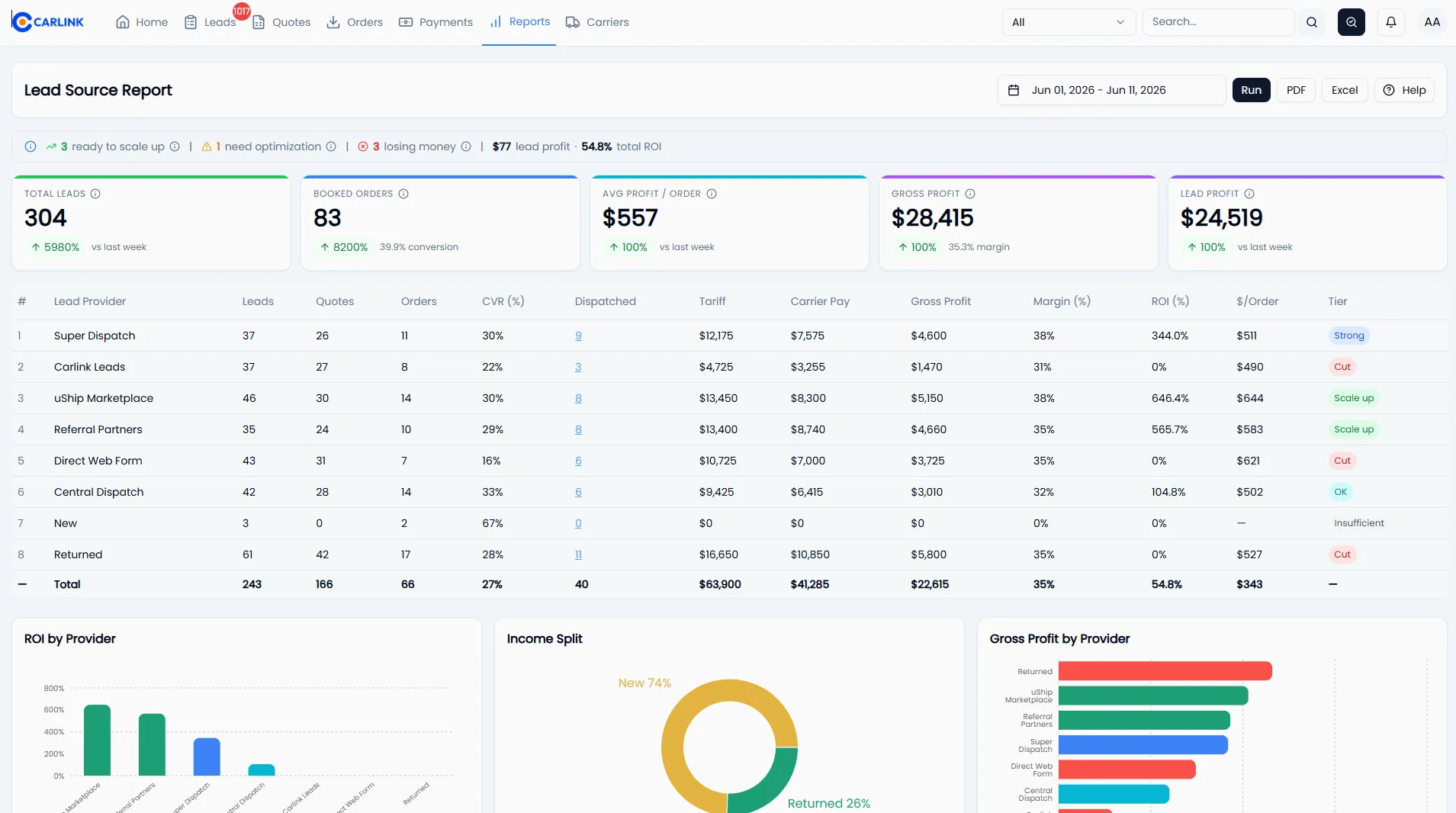
Why Spreadsheets Are Killing Your Auto Transport Brokerage
Excel and Google Sheets feel free — but they quietly leak money at every step of a brokerage: lost leads, slow quotes, double-bookings, missed carrier payments, and decisions made on stale data. Here's the real cost, and when to switch.
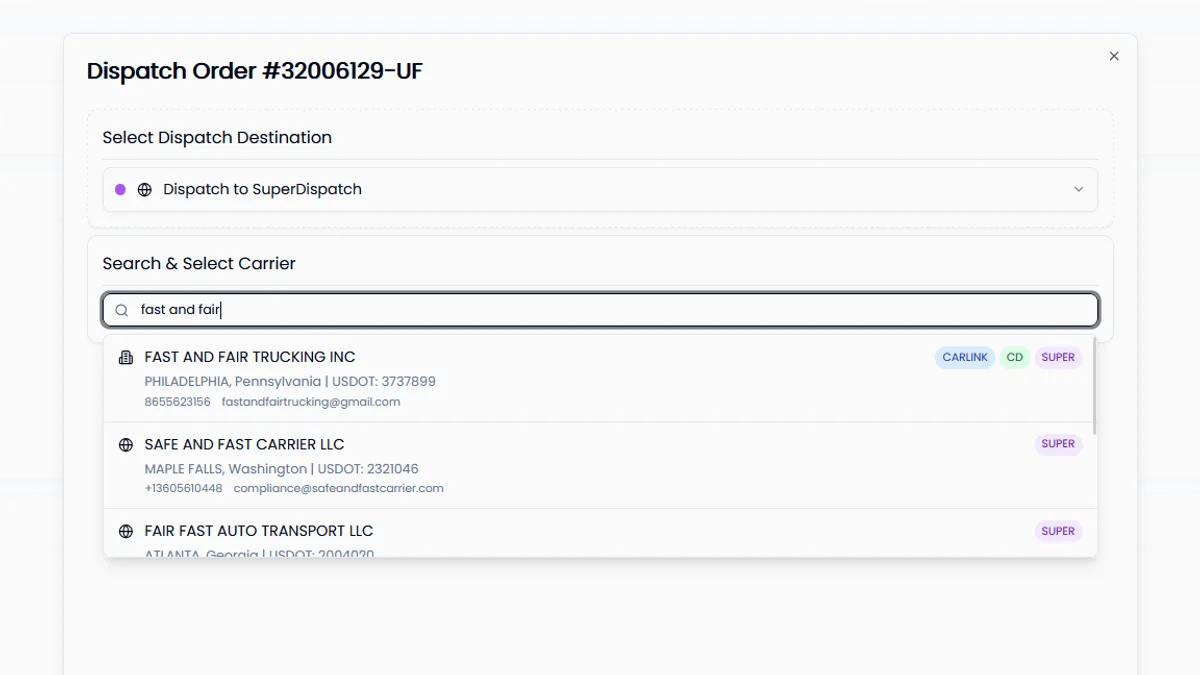
How to Vet Auto Transport Carriers (And Avoid Double Brokering & Fraud)
A broker's carrier vetting checklist: verify USDOT and MC authority on FMCSA SAFER, confirm cargo insurance the right way, check safety records, and spot the red flags of double brokering and carrier identity theft before you dispatch.
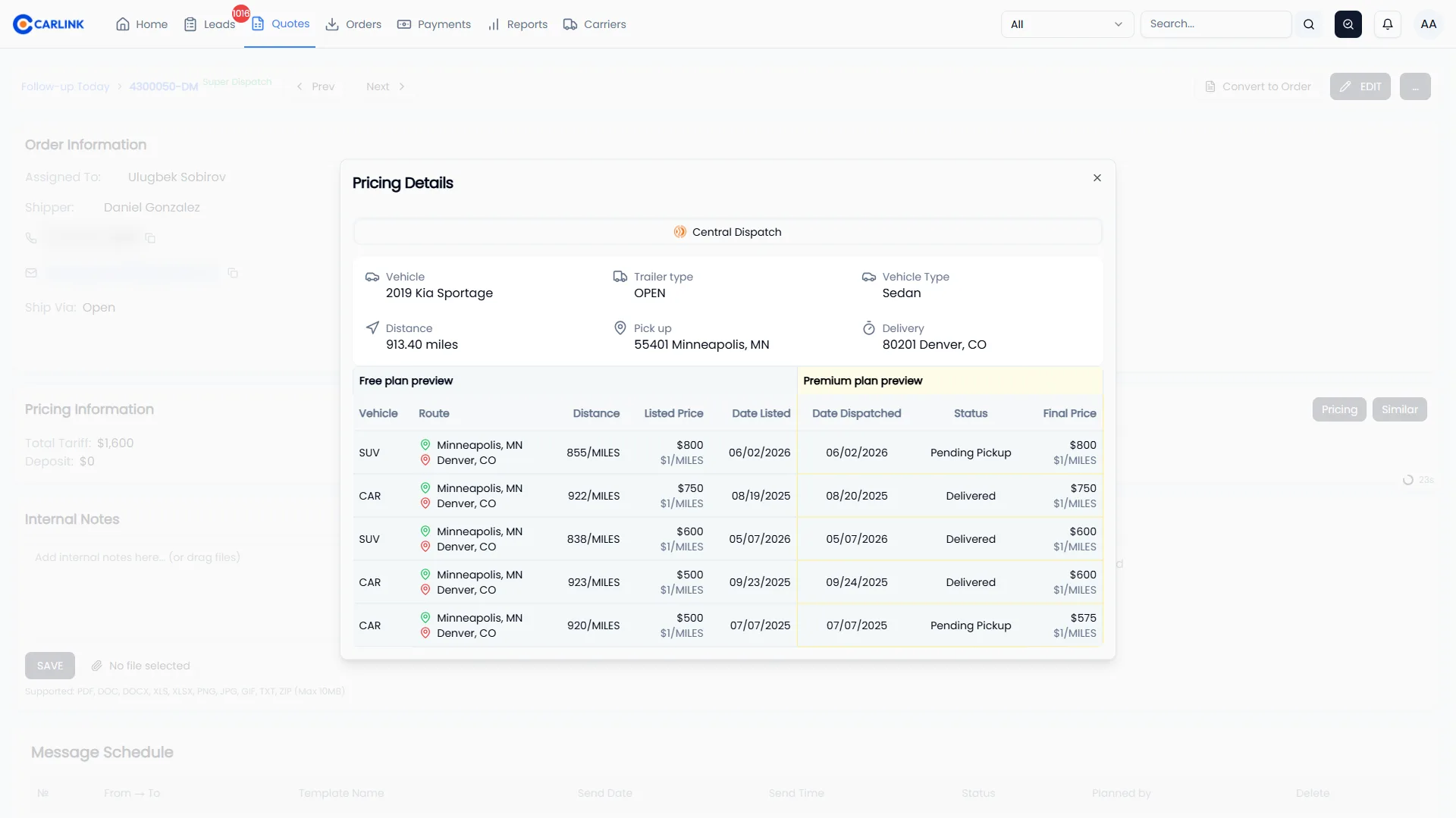
How to Price Auto Transport Loads (Without Losing Margin)
Your quote has to win the customer and still pay the carrier. What moves carrier rates, how to quote from lane history, how to set a margin floor, and how to stop giving away margin on every booking.
See Invoicing with your own data.
15-minute demo. Walked through by an operator.